The model runs right on your computer and shares your data with no one

Works without the internet
Blackpen recognizes and stores sensitive data right on your device, even without an internet connection.

Not another ChatGPT
Blackpen is not a large AI model or a cloud service. It uses a small model that does one thing: find sensitive data in text. That makes it faster and lighter on your computer.

Runs on an ordinary computer
We designed the model for an ordinary office computer. You don’t need special hardware.
It covers sensitive data and preserves the meaning of the text.
See the interactive demo
Finds sensitive data
Blackpen looks for up to 56 types of sensitive data in your text or document. The model is trained on Slovak data, so it can also handle inflected forms.

Keeps the context
Blackpen replaces sensitive data with placeholder tags, so “Ján Novák” becomes {person_1}. The same value gets the same tag each time it appears. This lets the AI understand the context without knowing the original data.

Stays out of your way
The original data is stored only on your device. When the AI replies, Blackpen puts it back in the right places automatically. You read natural text with the original data, which never left your device.
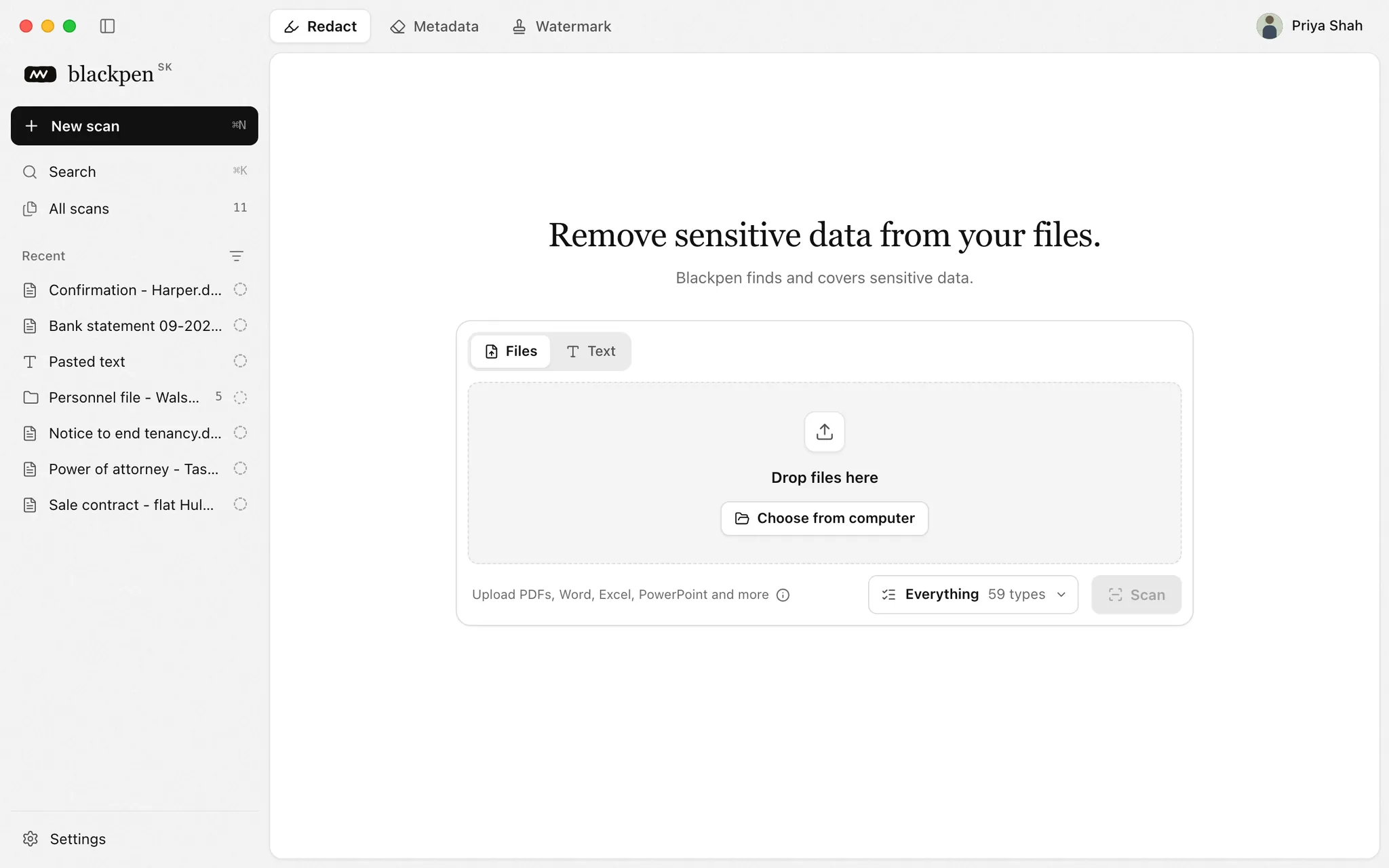
Try Blackpen right here
From choosing your files to exporting them.
Where Blackpen helps you at work
Wherever you need to anonymize sensitive data, whether you are working with AI or handling documents day to day.
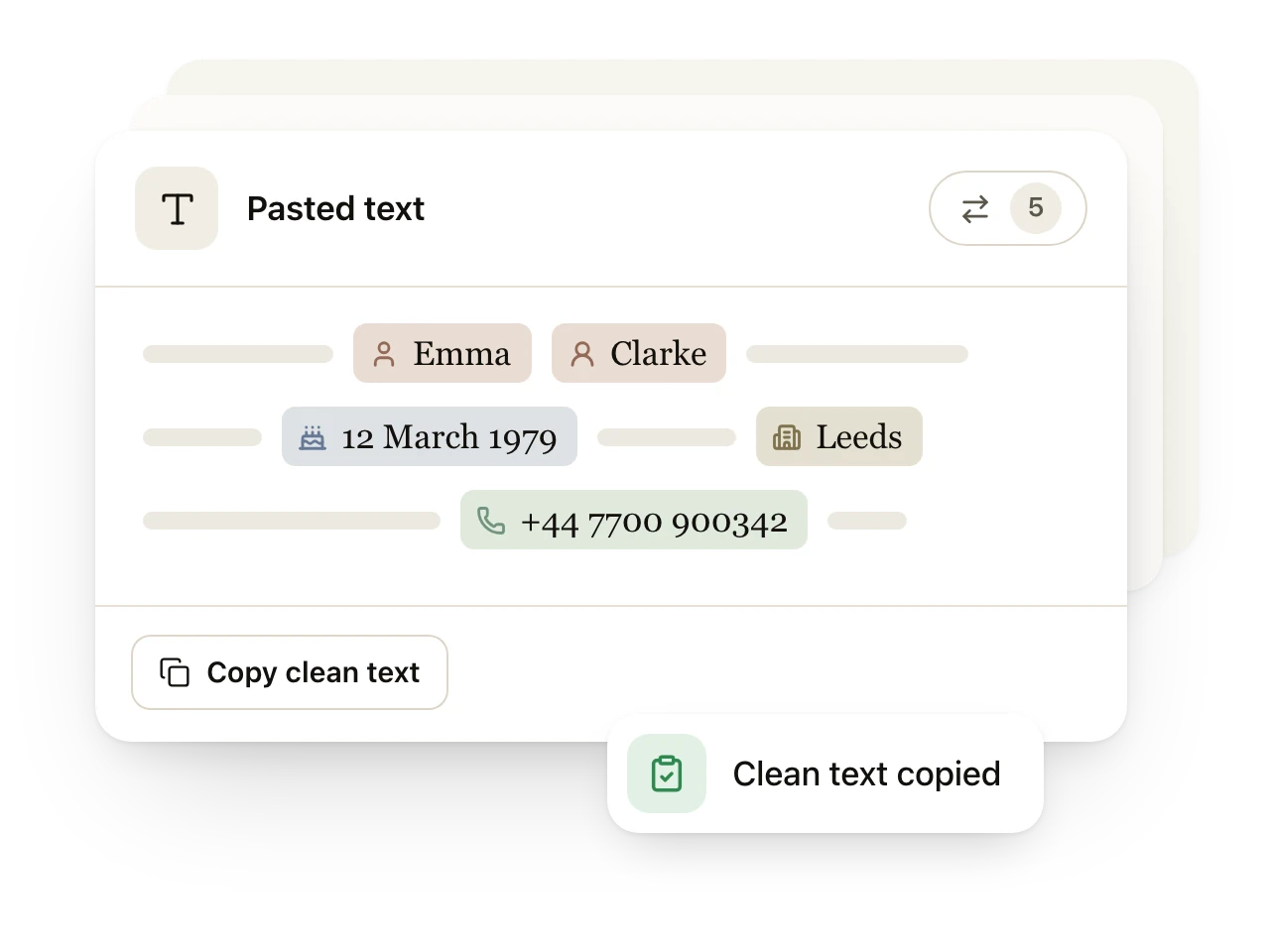
Text anonymization Remove sensitive data from texts and documents before you use them with AI.
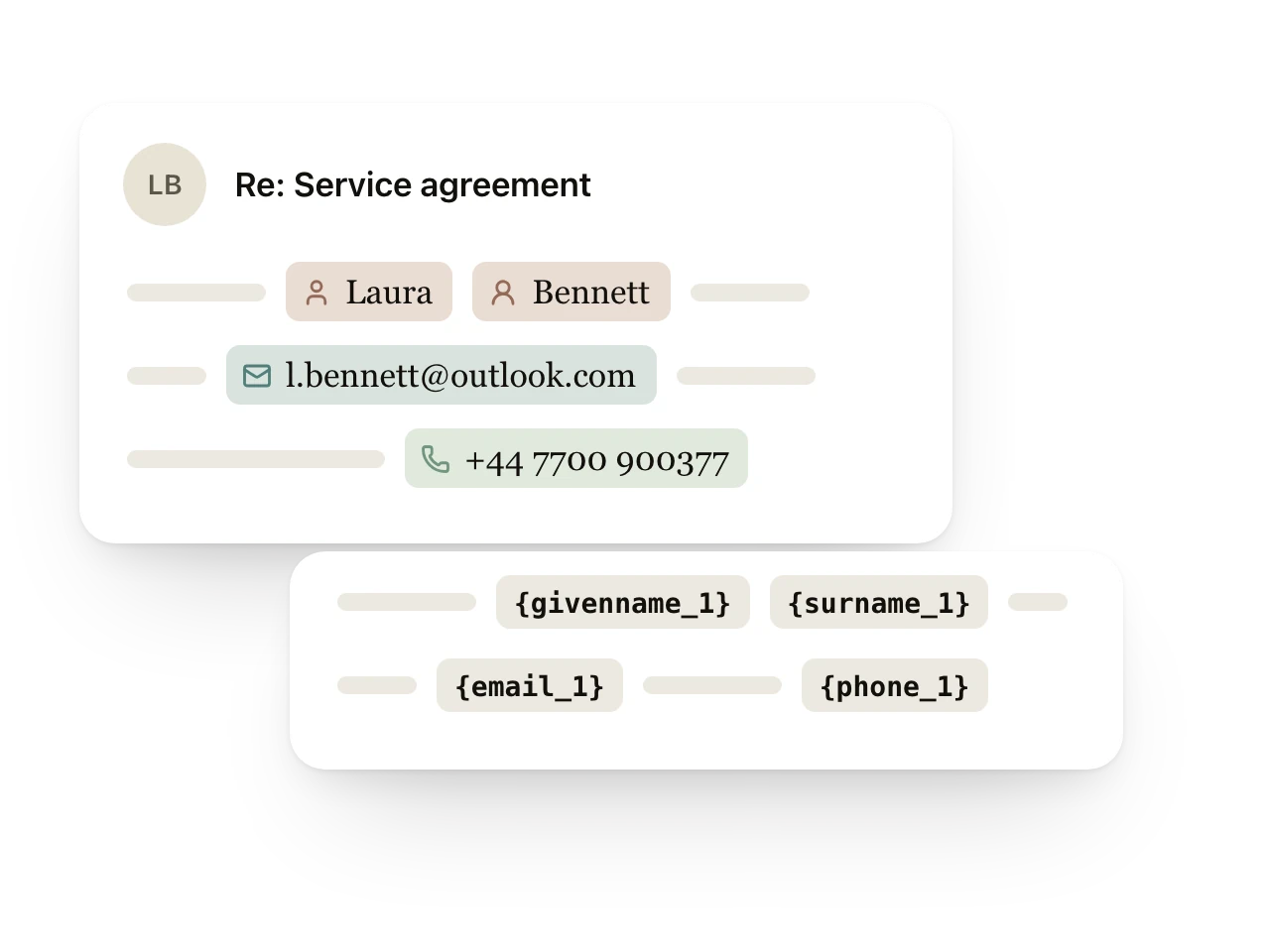
Safe communication Work with emails, messages and conversations without deleting data by hand.
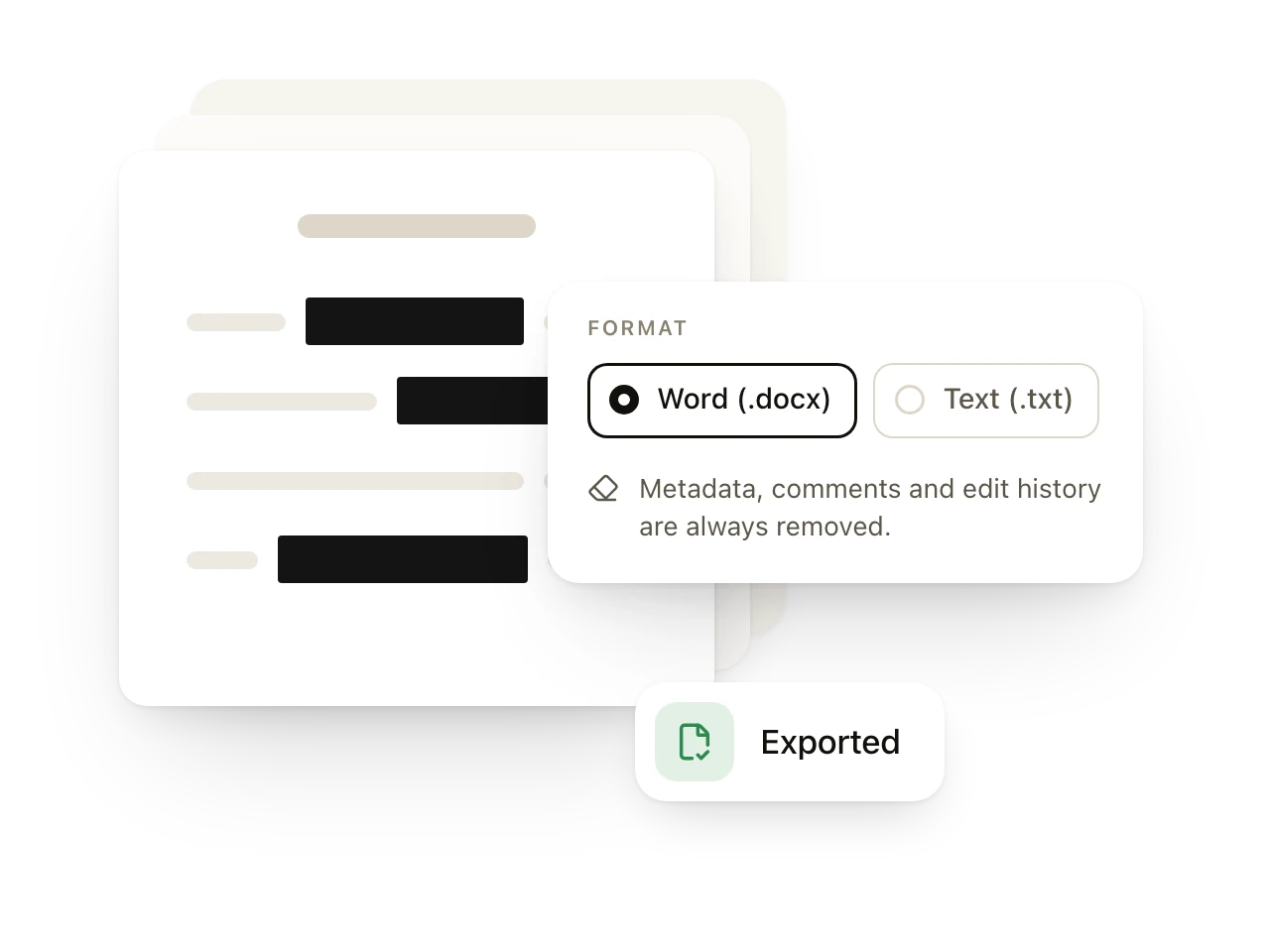
External sharing Prepare documents to send to a client, a partner or any third party.
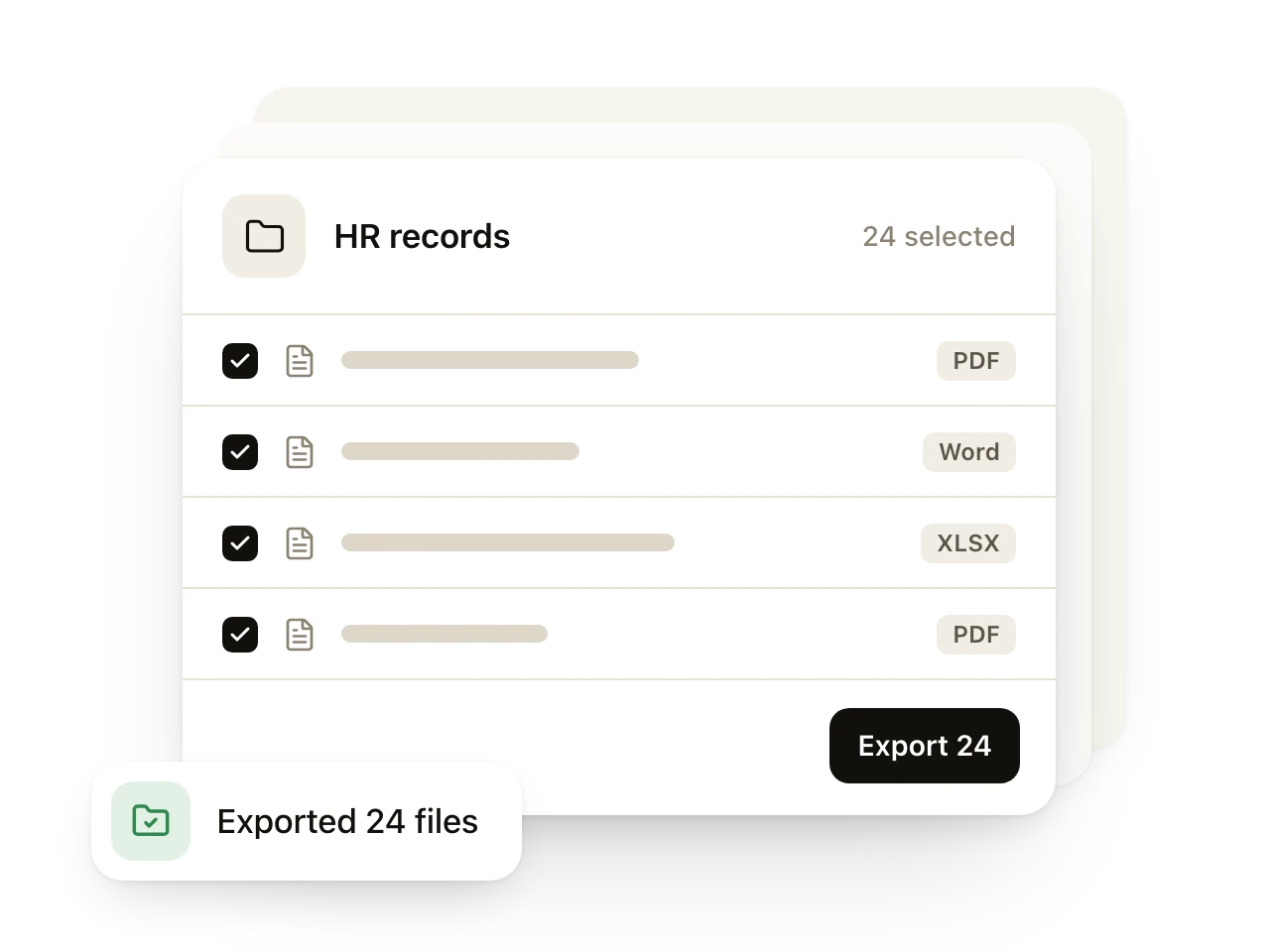
Batch processing Anonymize dozens of documents at once.
Could Blackpen help with your work? Book a call
Names are not the only sensitive data
Our model recognizes up to 56 types of sensitive data. We tuned it for Slovak.
- FIRST NAME
- LAST NAME
- PHONE
- STREET ADDRESS
- CITY
- DATE OF BIRTH
- COMPANY
- SSN
- NATIONAL ID
- ACCOUNT NO.
- TAX ID
- LICENCE PLATE
- POSTCODE
- PASSPORT NO.
- DRIVING LICENCE
- CARD NO.
- SWIFT / BIC
- ROUTING NO.
- PASSWORD
- API KEY
- PIN
- CVV
- COOKIE
- URL
- IPv4
- IPv6
- MAC ADDRESS
- DEVICE ID
- USERNAME
- CUSTOMER ID
- EMPLOYEE ID
- HEALTH PLAN NO.
- MEDICAL RECORD
- RELIGION
- POLITICAL VIEW
- BLOOD TYPE
- BIOMETRIC ID
- SEXUALITY
- RACE / ETHNICITY
- COUNTRY
- COUNTY
- COORDINATE
- VEHICLE ID
- AGE
- DATE
- OCCUPATION
- EDUCATION
Blackpen where you work
Blackpen is a desktop app for Windows and macOS. Use it to review, correct and save documents with the data covered, all right on your computer. An extension that brings anonymization straight into ChatGPT and other AI tools is in the works.
Desktop app for Windows and macOS
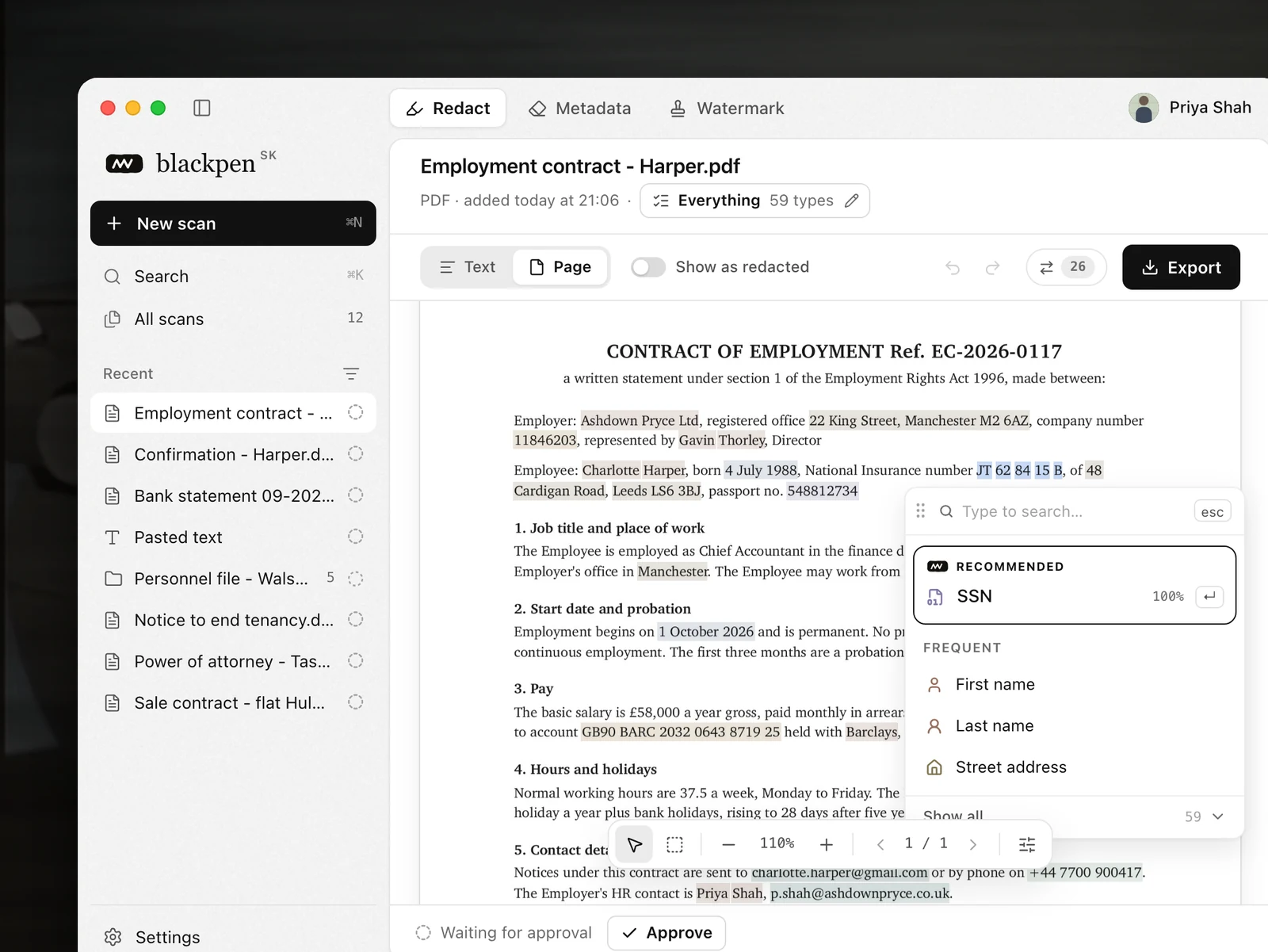
You edit documents, PDFs and spreadsheets directly in the preview. You can review the data found automatically, add your own marks or change a mark’s type. On export, the marked values are removed from the file.
Anonymize dozens of documents at once in PDF, Word, Excel, PowerPoint and other formats.
After reviewing the processed documents, you can save them in their original format with the sensitive data covered.
When exporting, you choose how sensitive data is covered. Besides standard anonymization, Blackpen also supports editing documents in line with Decree No. 482/2011 Coll., which is used when court decisions are published.
Blackpen also automatically recognizes sensitive visual elements such as signatures. You can review the areas it found right in the document and, where needed, mark and cover a QR code, a stamp, a photo or any other part of the document.
Why not send sensitive data to AI?
You lose control over the data
Once you send data to an external AI service, it leaves your device. From then on you rely on the provider’s rules, its security and the way it stores data.
Transferring data has rules
When you work with personal data, a useful tool is not enough. You need to know where and how the data is processed and whether you may send it to that provider at all.
Big services carry risks too
AI services run on the same infrastructure as other cloud products. A bug, an incorrect configuration or a security incident can also affect the data you sent to the service.
The responsibility stays with you
Confidentiality and the duty to protect client data apply whatever tool you use. That goes for lawyers, doctors, accountants, auditors and every other profession that works with confidential data.
The Slovak Bar Association also recommends anonymizing data before sending it to AI
“Even where consent or a data processing agreement is in place, it is recommended that the data be anonymized or pseudonymized before it is entered.”
The people behind Blackpen
Blackpen is built by a small Slovak team.
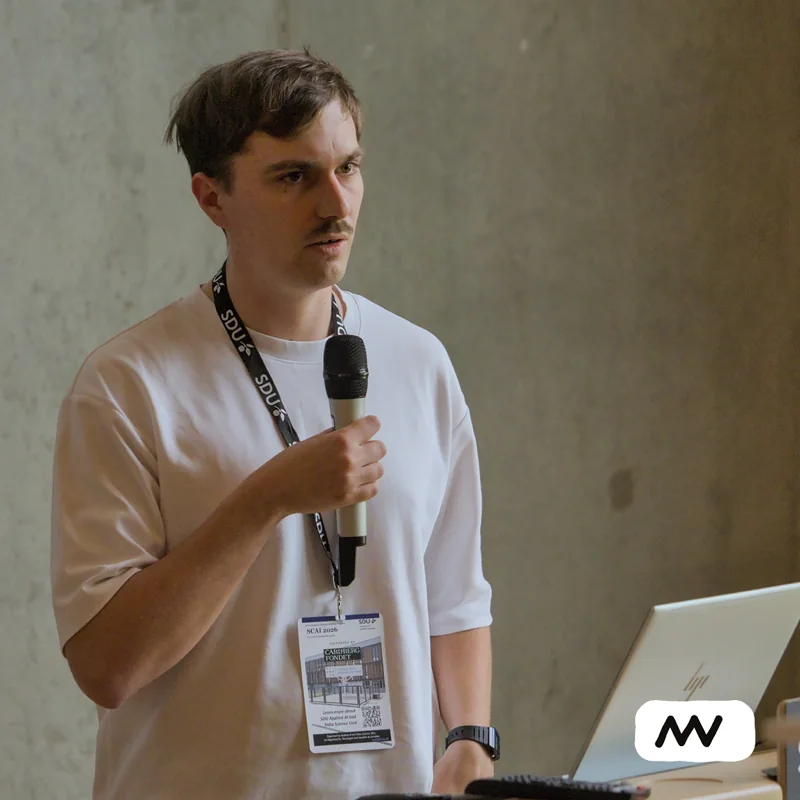
William Brach
Founder & AI engineer

Martin Vančo
UI/UX & Product Manager

Andrej Vyšný
DevOps & Infra

Richard Šleher
Research & Development
Publications
Research in personal data protection
Our team actively researches personal data anonymization and uses its findings directly to improve Blackpen.
Coming soon
Frequently asked questions

Does Blackpen send my text to its servers?
No. Blackpen recognizes and covers sensitive data locally on your device. It does not send the text, the original values or the reverse key to its own servers or to any other servers. When you use the extension, your browser sends the AI service only the edited text with placeholder tags.
Does an AI like ChatGPT read my data?
No. The data is recognized by a small model running on your device rather than by a large AI model (LLM). Blackpen does not use GPT or any cloud AI service and can recognize sensitive data even without an internet connection.
What exactly does ChatGPT receive?
It receives the marked sensitive values in anonymized form, for example {email_1}. The meaning of the prompt stays the same, but the AI provider never gets the original email address.
Can Blackpen miss some data?
Yes. Automatic recognition is never 100% accurate. That is why everything Blackpen recognizes is clearly marked before sending. If something is missing, you can mark it by hand. With sensitive documents, always check the result to be sure.
Does Blackpen replace a GDPR assessment or internal rules?
No. Blackpen reduces the amount of personal data that goes to AI providers. It does not decide the legal basis for processing, and it does not replace a risk assessment or your organization’s rules.
Which AI tools does the extension support?
For now it supports ChatGPT in the Chrome browser. In the desktop app for macOS and Windows, you can also anonymize any document, whichever AI tool you use. We will add support for more tools over time.
What is the difference between the extension and the desktop app?
The extension covers sensitive values in messages for ChatGPT. The desktop app for macOS and Windows processes pasted text and whole documents. You can edit its findings by hand, export the results and remove metadata. Both use the same detection model and library.
What does the metadata removal tool do?
It makes a clean copy of the document without metadata or other hidden content. It removes the author and document properties, XMP and EXIF data in embedded images, annotations, embedded scripts and attachments, page thumbnails and actions that run when the file opens. The original file stays untouched.
When will the extension and the app work together?
We are working on the connection, but we are not giving a date yet. Once it is ready, it will cover both the message text and the sensitive data in attached documents, and you won’t have to switch between the extension and the app by hand.
Which languages is the model designed for?
We built the model primarily for Slovak. That is why it handles inflected word forms. It understands English too.
How much does Blackpen cost?
The extension is free during the alpha.
AI can know the task without knowing the client.
We are currently testing Blackpen with selected clients. Would you like to be one of them? Leave us your contact details.
We will get back to you within 24 hours.
Loading the calendar…